
A somewhat quirky aspect of iOS 14 is that there are some hidden apps lurking beneath the surface. They are impossible to access, however, unless you know where to look. One representative example is an app called "Code Scanner." You can access it by activating the Search menu (swipe down from the middle of the home screen) and typing in the name of the app. Upon doing so, you'll see the "Code Scanner" icon and you can open the app. Then, as the name suggests, you can use it to scan QR codes.
Today's Top Deal
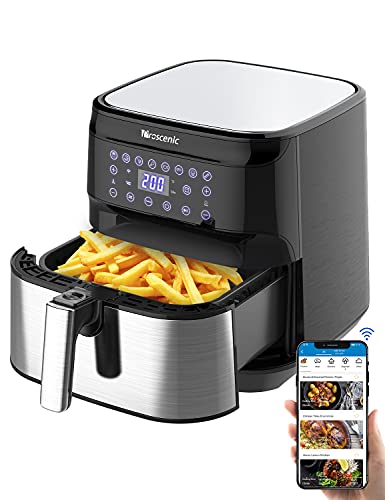
This amazing smart air fryer with Alexa is on sale at Amazon's best price!
Price: $89.00
You Save: $40.00 (31%)
Buy Now
The post There’s a hidden iPhone app that doesn’t appear on your home screen – here’s how to find it appeared first on BGR.
Today's Top Deals
- AirPods Pro are at the lowest price of the year currently at Amazon
- 10 hidden Amazon deals only Prime members can get
- This Prime Student deal for Audible is a back-to-school first
- Today’s best deals: $129 Alexa air fryer for $89, all-time low AirPods Pro price, $40 Amazon Fire 7 tablet, $5 Alexa smart plugs, more
Trending Right Now:
- Every new movie and show coming to Disney Plus in September 2021
- The #1 movie on Netflix right now is a high-octane thriller featuring the star of ‘Tenet’
- Apple’s most anticipated iOS 15 feature has been delayed
There’s a hidden iPhone app that doesn’t appear on your home screen – here’s how to find it originally appeared on BGR.com on Wed, 18 Aug 2021 at 09:28:42 EDT. Please see our terms for use of feeds.


0 Commentaires